Browse 15 character Perler bead patterns for portraits, historical figures and screen characters. You can also upload your own photo to make a birthday gift, keepsake portrait or desk display.
View portrait and character patterns
This page shows all 15 charts in the collection.
Featured character Perler bead patterns
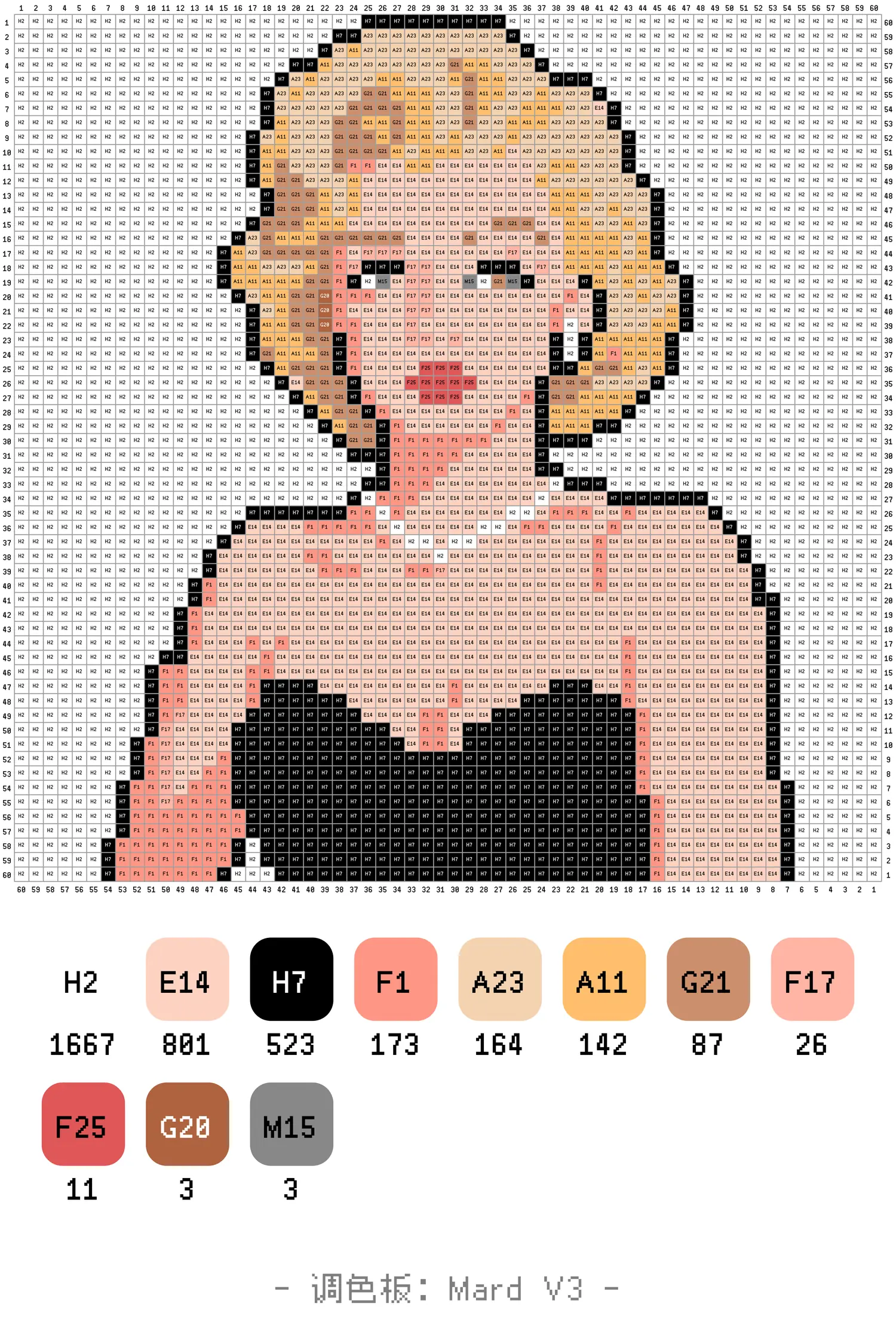
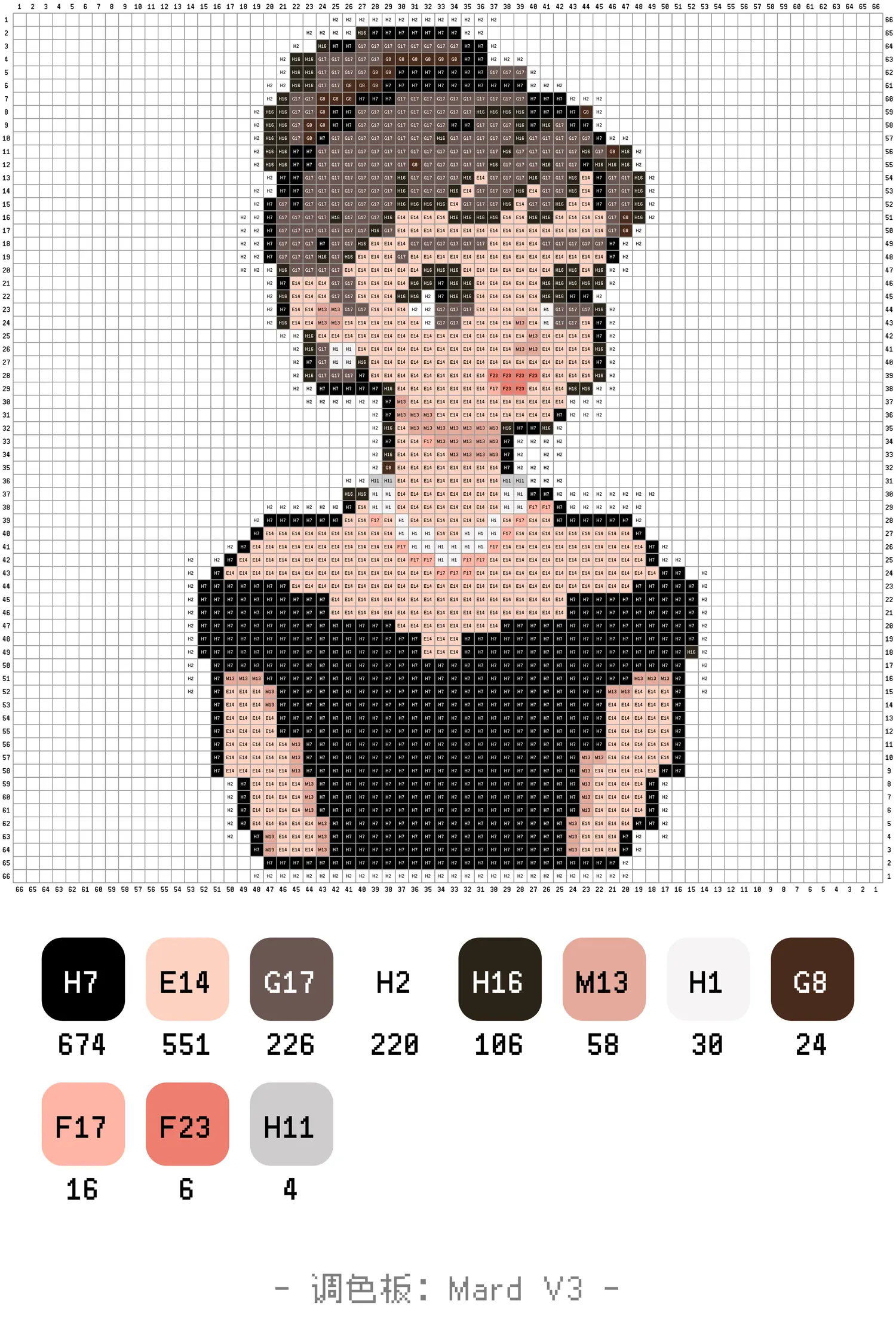
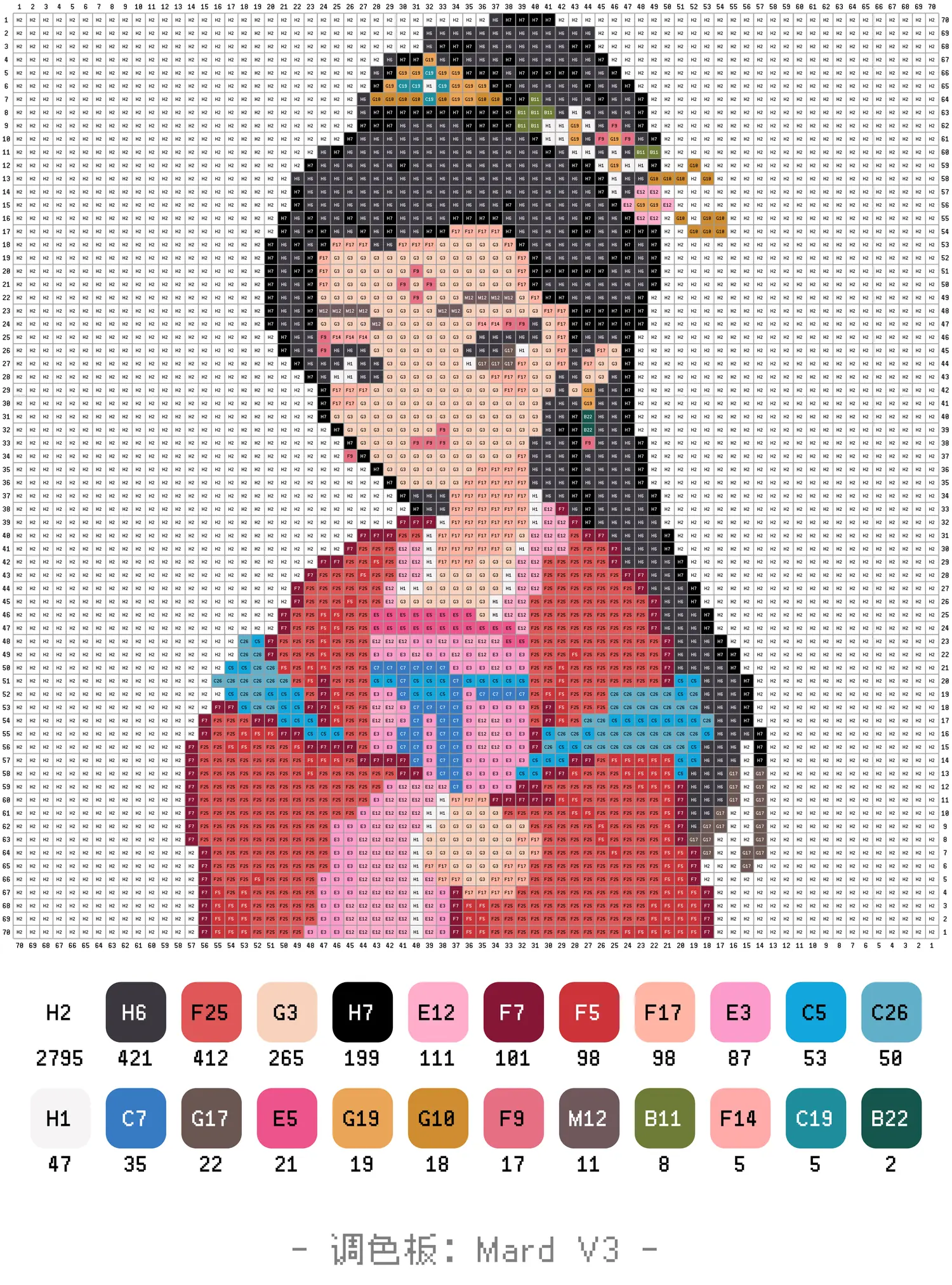
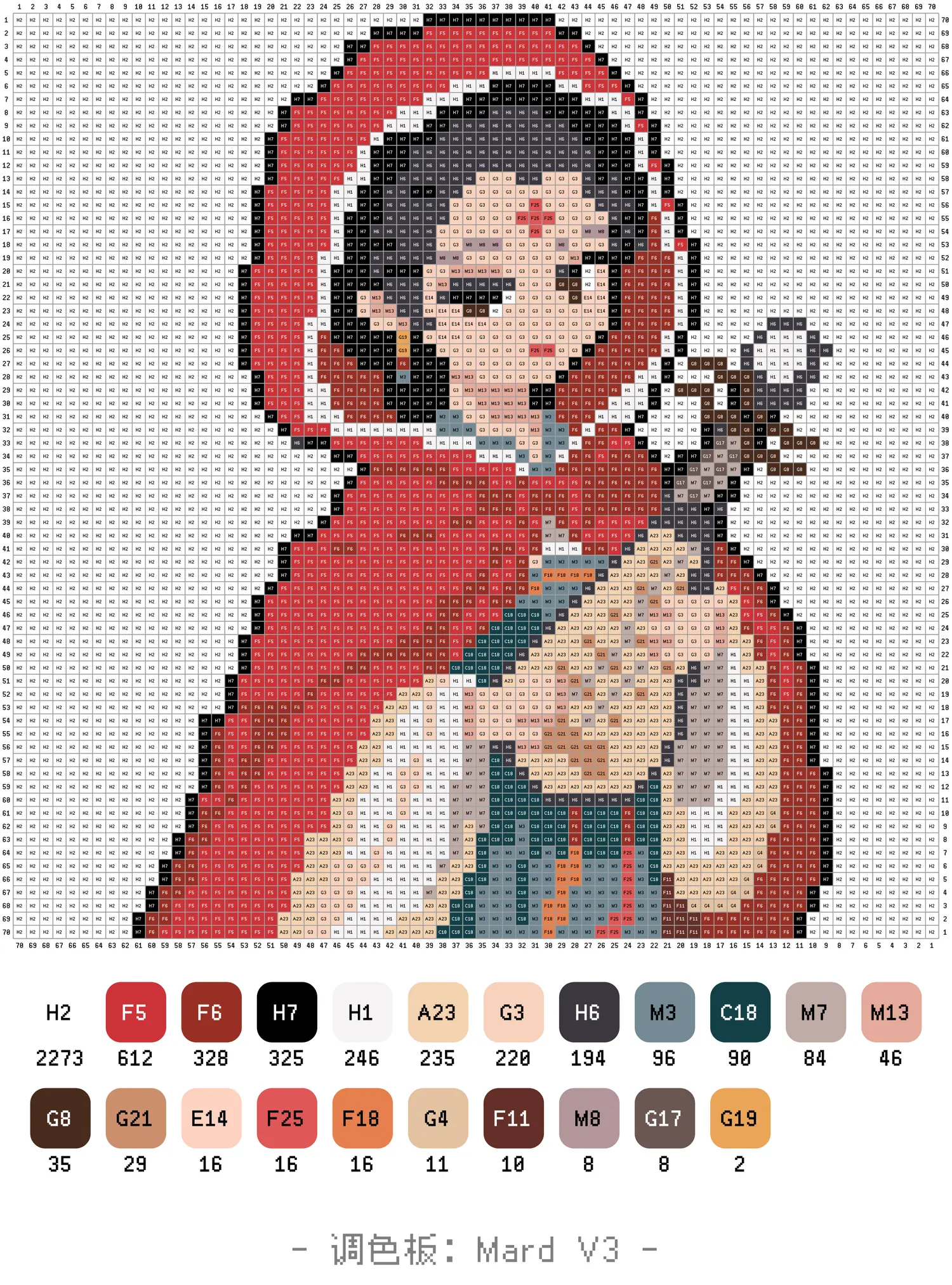
Open a full chart to inspect facial features, skin tones and the original pattern size.
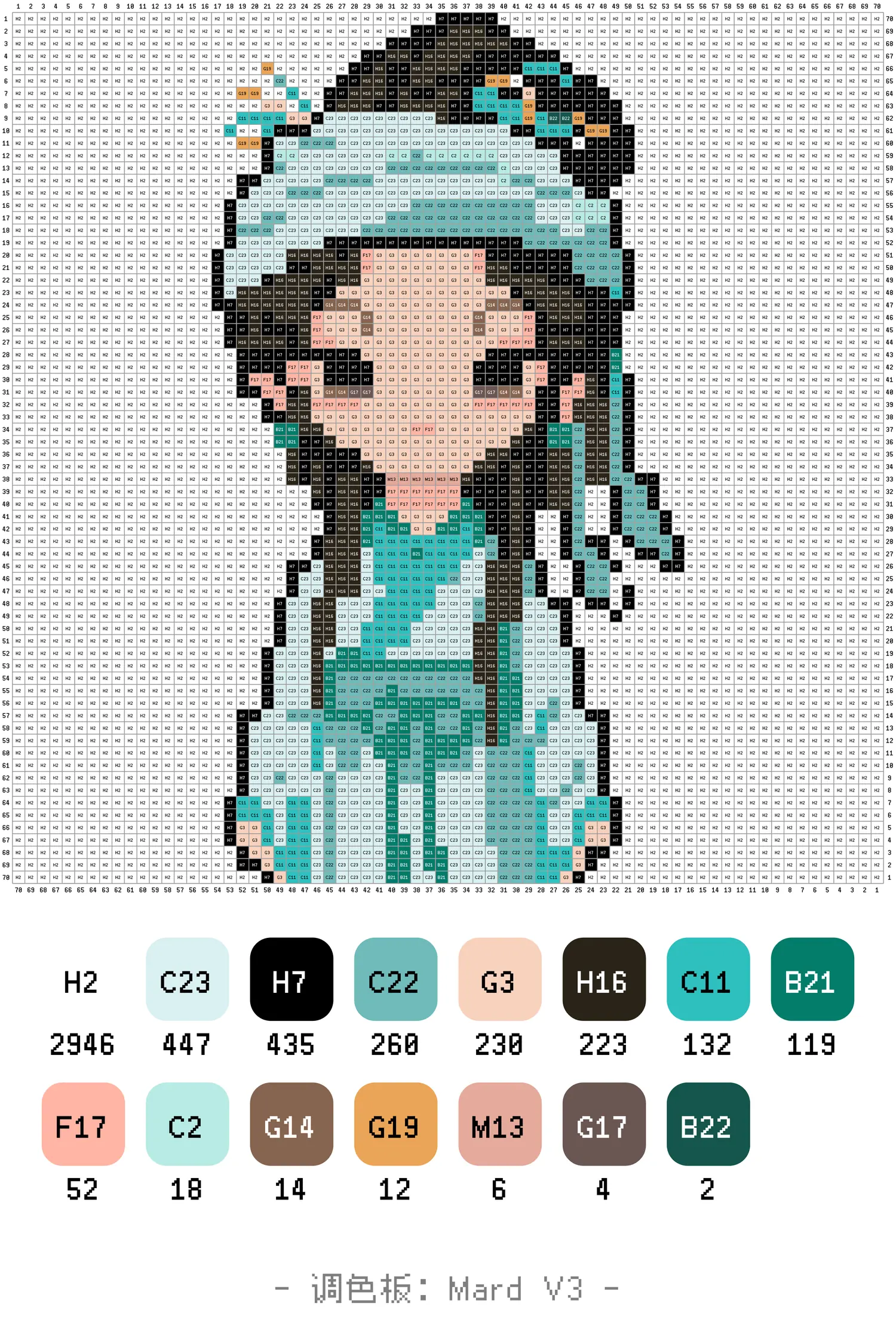
Choose a photo that will still look like the person
Use clear, even lighting
Choose a front or slight side view without a strong filter. Deep shadows can merge the eyes and nose on a reduced grid.
Keep hair and face shape complete
Do not crop the top of the head, ears or shoulders. Hairline and jaw shape are stable recognition cues.
Create background contrast
Keep dark hair away from black backgrounds and white clothing away from white walls for cleaner edges.
Preserve signature accessories
Glasses, earrings, hats and the main outfit color add identity; skin texture and small fabric folds can be omitted.
Portrait size, skin tones and editing order
- Choose the final use: use 36–48 beads for a chibi portrait and at least 60 for a realistic half-body piece.
- Keep three skin-tone levels: separate highlight, main and shadow colors without outlining the whole face in black.
- Edit by recognition: fix face shape, hair and eyes first, then clothing and background. Check the result at thumbnail size.
Character Perler bead pattern questions
What photo works best for a character bead pattern?
Choose a front or slight side view with clear features, even light, a simple background and the full hair and shoulder outline.
How large should a portrait Perler pattern be?
A chibi portrait can start at 36–48 beads wide; a realistic half-body portrait works better at 60 or more.
Why do matched skin tones sometimes look gray?
Keep distinct light, main and shadow skin colors, and avoid surrounding the entire face with pure black.
How do I make the portrait look more like the person?
Correct the face shape, hairline, eye spacing and signature accessories before adding clothing and background detail.
Turn your own photo into a character pattern
Upload a portrait, generate a chart with color codes and coordinates, then refine the face and colors in the editor.
See the photo-to-pattern guide